Admin usres can manage users, roles, teams, device groups, and project access through the User Management section. Proper access management ensures users have the correct permissions to perform their assigned tasks while maintaining security and resource control.
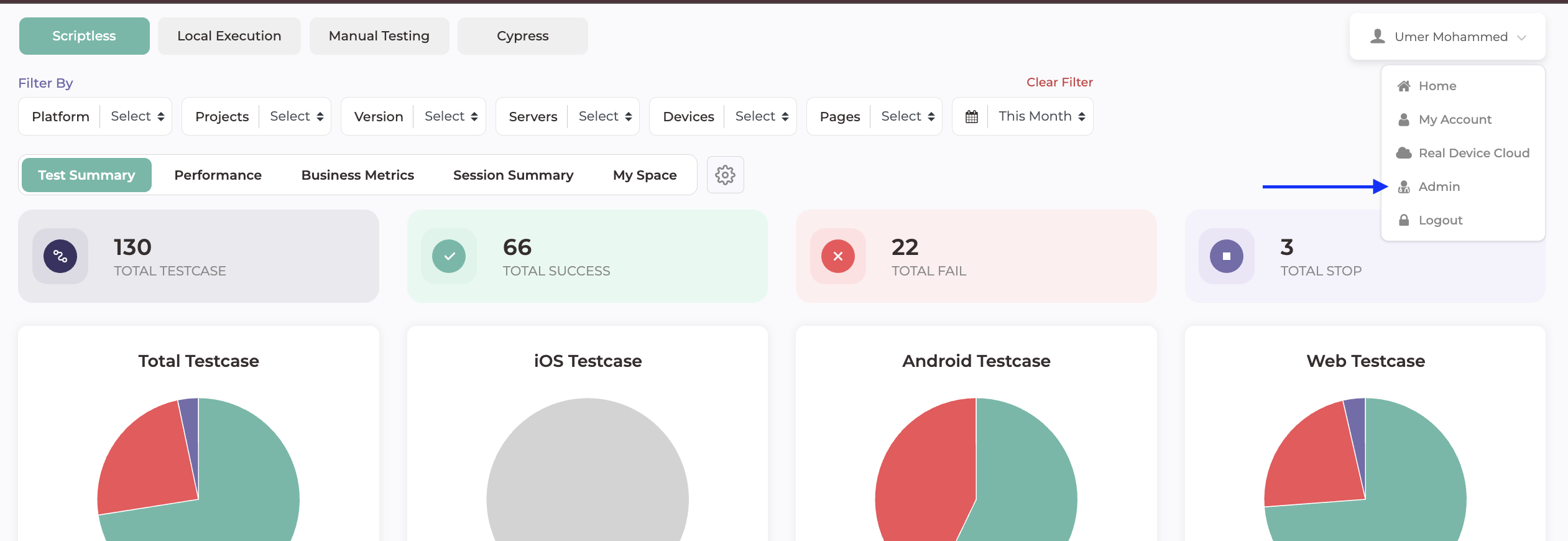
- Navigate to the Admin section.
- Open User Management
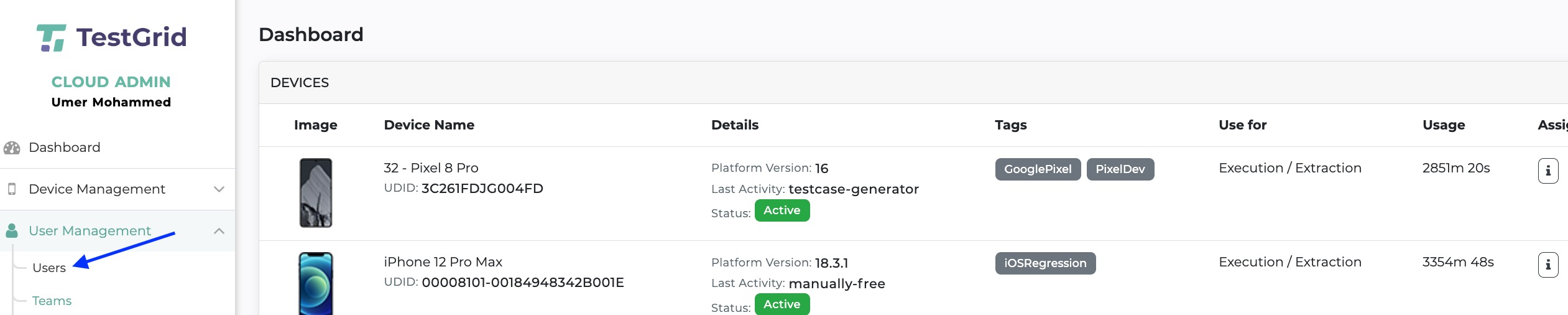
Create a new user or select an existing user.

Assign the appropriate role.

Save the changes.
For scope of each user role please check this article click here
Still have a question?
Support Contact:
support@testgrid.io
Was this article helpful?
That’s Great!
Thank you for your feedback
Sorry! We couldn't be helpful
Thank you for your feedback
Feedback sent
We appreciate your effort and will try to fix the article