Overview
This guide helps resolve situations where a "Something Went Wrong" message appears while accessing a device in TestGrid. This issue can occur due to temporary connectivity interruptions, device communication issues, or an interrupted device broadcasting session.
Prerequisites
- Access to the TestGrid platform.
- Permission to access the affected device.
- Stable internet connection.
- Device is visible and available in the Device Cloud.
Scenario
- A "Something Went Wrong" popup appears when connecting to a device
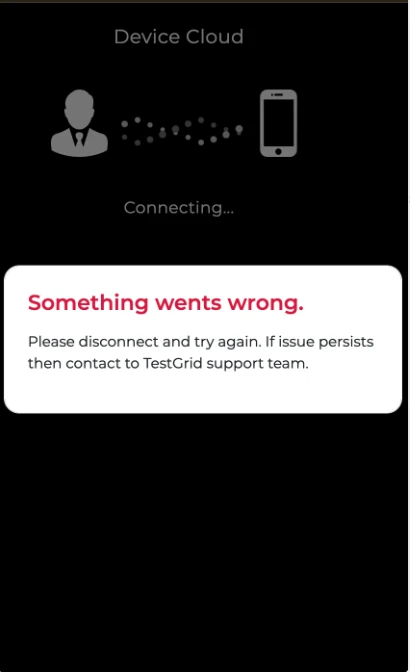
Resolution
Step 1: Retry Device Access
Close the popup and attempt to reconnect to the device.
If the issue persists, proceed to the next step.
Step 2: Reboot the Device
- Navigate to the Device Cloud.
- Locate the affected device.
- Click Reboot.
The device status will change to Rebooting.
Expected Recovery Time
| Device Type | Recovery Time |
|---|---|
| Android | 2–3 Minutes |
| iOS | 2–3 Minutes |
Wait until the Connect button becomes available again.
Step 3: Reconnect to the Device
Once the device returns to an available state:
- Click Connect.
- Verify that the device broadcast loads successfully.
- Confirm that device interactions respond normally.
When to Contact Support
Contact TestGrid Support if:
- The error persists after rebooting the device.
- The device repeatedly displays the same error.
- The device remains inaccessible after multiple connection attempts.
- Multiple devices are affected by the same issue.
When contacting support, provide:
- Device Name
- Device UDID
- Screen recording of the error message
- Approximate time when the issue occurred
- Steps performed before the issue appeared
Was this article helpful?
That’s Great!
Thank you for your feedback
Sorry! We couldn't be helpful
Thank you for your feedback
Feedback sent
We appreciate your effort and will try to fix the article